Clique ou arraste
Bring Old Photos Back to Life
Professional vintage photograph restoration service that repairs damage, removes scratches, and revives faded memories with intelligent AI reconstruction technology.
How to Restore
Upload Damaged Photo
Select scanned vintage prints, faded Polaroids, or damaged digital images. We support JPG, PNG, and WebP formats with automatic damage detection.
Choose Output Settings
Select aspect ratio framing, output quality tier, and preferred file format. Match original dimensions or crop to standard ratios for printing.
Download Restored Image
Receive your repaired photograph with scratches removed, tears mended, and colors revitalized. Ready for archival preservation or reprinting.
Restoration Specifications
Aspect Ratio
Choices: 1:1, 5:4, 4:5, 4:3, 3:4, 16:9, 9:16, 2:1, 1:2, or Match Original. Flexible framing for Instagram posts, portrait prints, widescreen displays, or archival reproductions.
Resolution Quality
Tiers: 1MP (Standard), 2MP (High Definition), 4MP (Ultra HD). Higher resolutions preserve finer details for large format printing and professional archiving.
Export Format
Options: JPG for web sharing, PNG for lossless editing, WebP for modern compression. Select based on your intended use case and compatibility needs.
Restoration Example

Vintage photograph suffering from emulsion cracks, color fading, dust accumulation, and physical creases from age and storage.

Scratches intelligently removed, torn sections seamlessly reconstructed, original color balance recovered, and sharpness enhanced while preserving period authenticity.
Our photograph restoration service doesn't just retouch—it surgically repairs damage and regenerates lost information for museum-quality revival.
Related Solutions
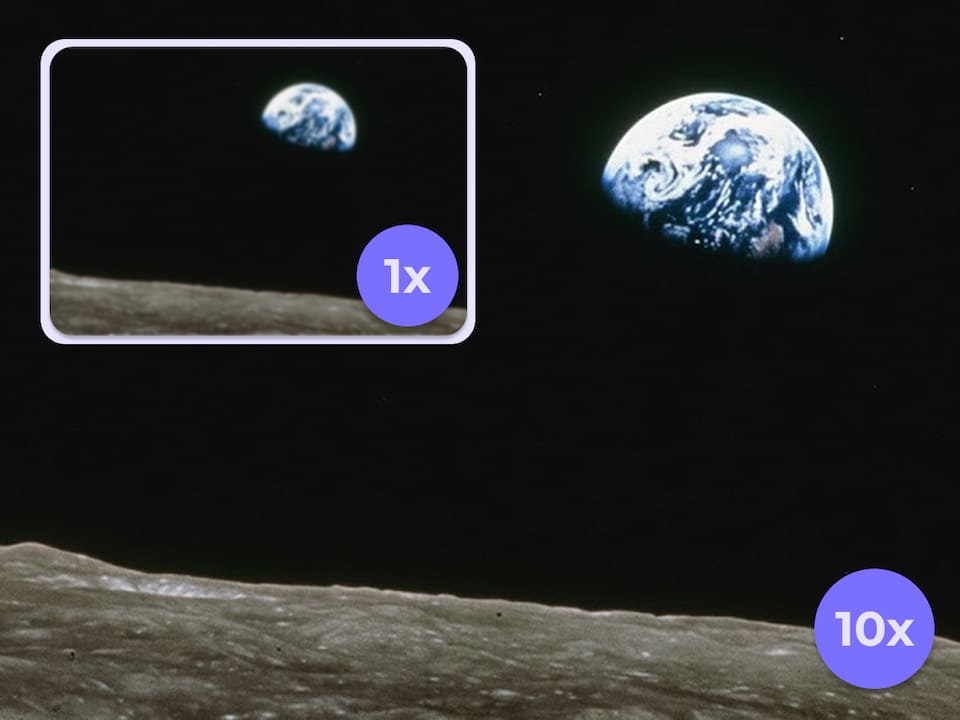
Image Upscaler
Increase resolution and dimensions for already-preserved images that need size enlargement without damage repair.
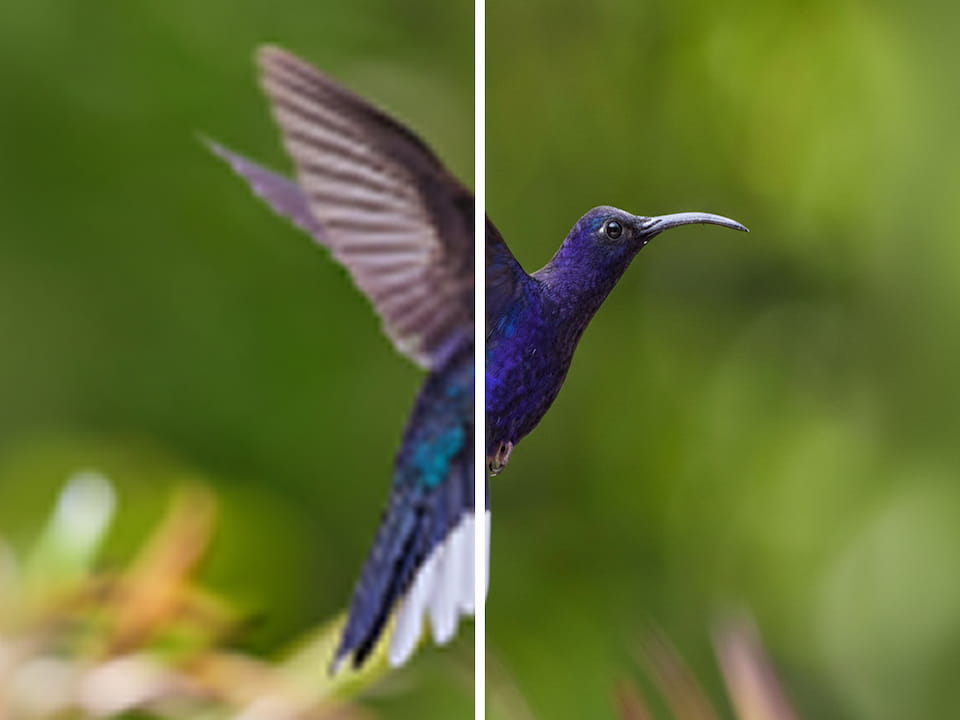
Smart Picture Enhancer
Creative quality improvement for modern photos using AI imagination to add details and de-pixelate.
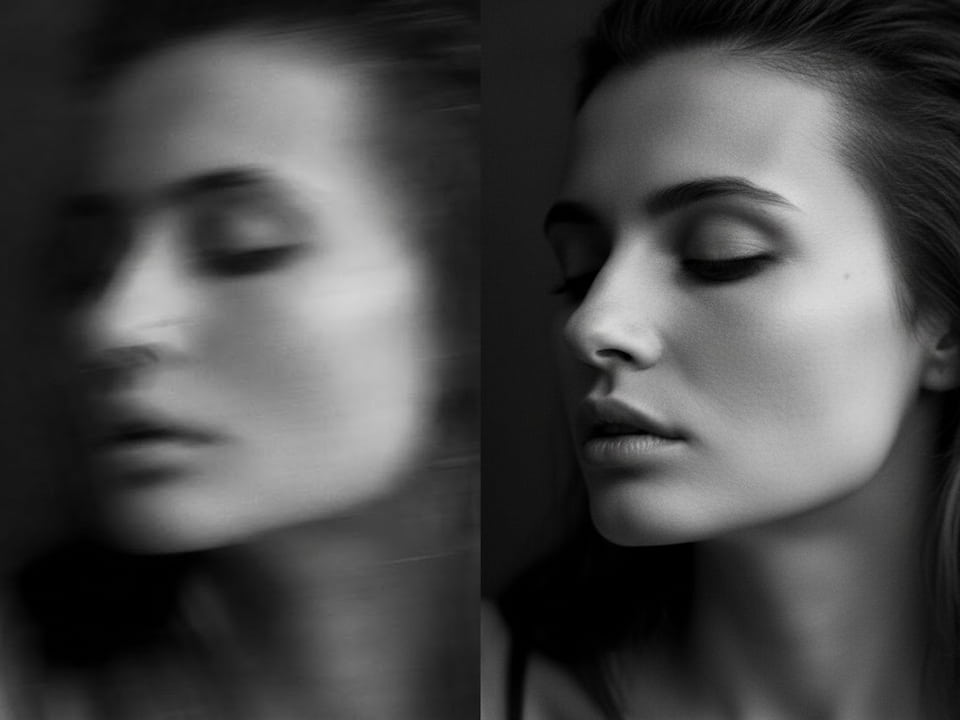
Motion Deblurring
Remove camera shake and motion blur from recent photographs at lower cost, without vintage damage repair capabilities.
Common Questions
1What types of damage can this photo restorer repair?
Our AI restoration engine handles scratches, tears, creases, dust spots, water damage stains, fading, discoloration, and missing emulsion sections. It reconstructs damaged areas by analyzing surrounding intact pixels and predicting original content.
2How does photo restoration differ from image enhancement?
Photo restoration focuses on repairing physical damage and age-related deterioration in vintage or damaged photographs—removing scratches, fixing tears, recovering faded colors. Image enhancement improves quality of modern intact photos through creative detail addition. Use restoration for damaged old prints, enhancement for recent photos needing quality boost.
3What's the difference between vintage photo restoration and unblurring an image?
Vintage photo restoration fixes physical damage and aging effects like scratches, tears, discoloration, and fading on old photographs. Unblurring, on the other hand, specifically targets focus issues, camera shake, or motion blur to make a picture sharper. You might restore a damaged photo first to remove the physical wear, and then unblur it to bring out soft facial details. In short: restoration fixes degradation and damage, while unblurring corrects focus and clarity.
4Which output quality should I choose for my restored photo?
Select 1MP (10 credits) for social media sharing and small prints. Choose 2MP (20 credits) for standard photo albums and 4×6 prints. Use 4MP (30 credits) for large wall portraits, professional archiving, or when you plan to further edit the restored image
5Can I maintain the original aspect ratio of my vintage photo?
Yes, select Match Original to preserve the exact dimensions of your source material. Alternatively, choose standard ratios like 4:3 or 1:1 for specific display purposes, or 16:9 for digital slideshows.
6What file format is best for preserving restored photos?
Choose PNG for maximum quality preservation and future editing flexibility. Select JPG for convenient sharing and smaller file sizes. Use WebP for web galleries and modern devices with superior compression efficiency.
7Will restoration alter the original character of my vintage photo?
Our heritage repair technology preserves the authentic period character while removing defects. The AI distinguishes between damage (scratches, fading) and intentional characteristics (film grain, period color palettes) to maintain historical integrity.
8How long does the restoration process take?
Most photograph repairs complete within 10-30 seconds depending on damage complexity and selected output resolution. Severely damaged large images may take up to 2 minutes for comprehensive reconstruction.