
Unblur Image Online Free
– Fix Blurry Photos in One Click
Don't let motion blur or focus issues ruin your shots. Our AI instantly recovers sharp details. Best of all, you can guide the AI with simple text prompts for perfect, consistent results.


Less Time on Retouching
Premium Users
Images Clarified Monthly
times Faster Workflow
Why Your Photos Turn Out Blurry
Understanding the root cause is the first step to perfectly sharp images. Identify your issue below before we fix it.
Motion Blur
Caused by shaky hands or fast-moving subjects during the camera's exposure time, leaving streaks instead of sharp lines.
Out of Focus
The camera lens missed your main subject, accidentally locking focus on the background or foreground instead.
Low Quality & Noise
Resulting from heavy social media compression, zooming in on small images, or shooting in extremely low light.
What Our AI Unblur Can Do
Go beyond basic sharpening. Our advanced AI understands the context of your image to restore lost details authentically, giving you professional results without the artificial plastic look.
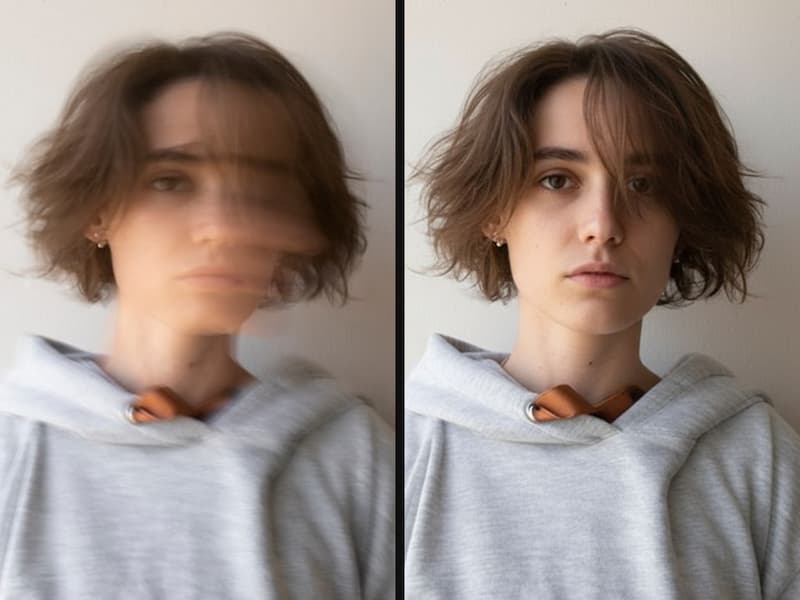
Generative Reconstruction vs. Simple Sharpening
Traditional tools just increase edge contrast, leaving you with harsh, pixelated halos. Our AI analyzes what's missing and generatively reconstructs the true details, turning an unreadable sign into crisp text and a blurry face into a recognizable portrait.
Try It Now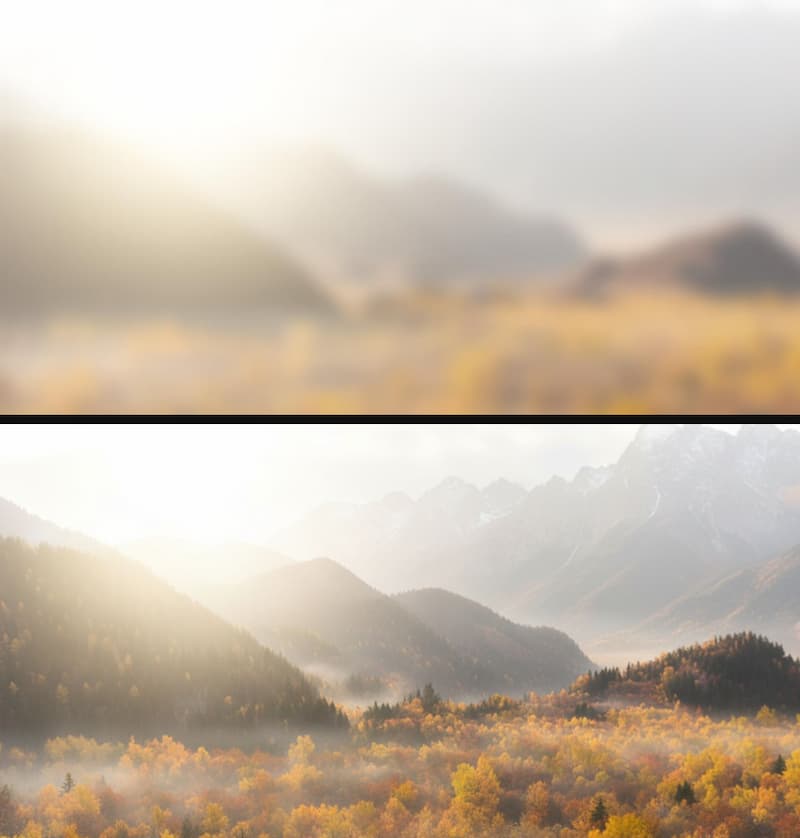
Preserves Natural Textures, Avoids Artifacts
Nobody likes the "plastic" look. While other enhancers smooth out skin and erase fine textures, our model carefully balances noise reduction with detail preservation. Your photos remain authentic, natural, and free from over-processed AI artifacts.
Try It Now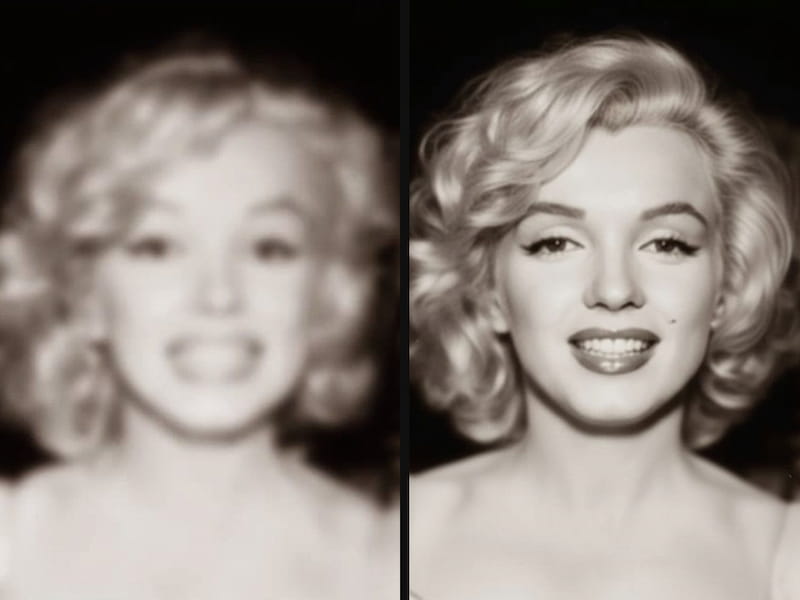
Built for Extreme Blur, Not Just Mild Softness
Most tools fail the moment a photo is severely out of focus or hit by heavy motion blur. Our deep learning engine is trained on millions of heavily degraded images, allowing it to recover photos you previously thought were completely unsalvageable.
Try It Now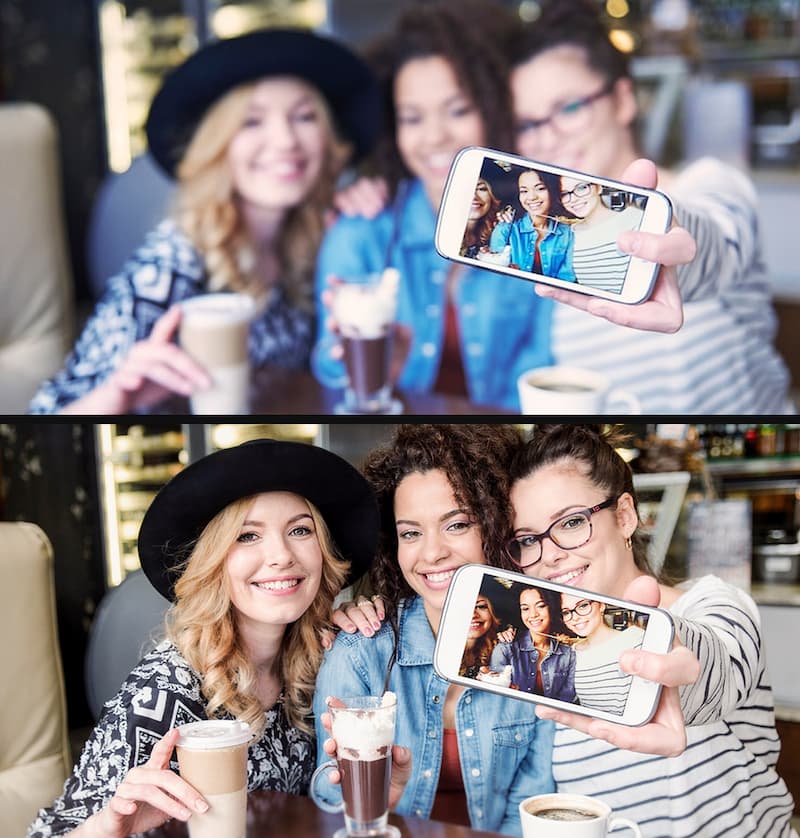
Smart Detection for Automatic Fixes
You don't need to be a photo editing expert. Our system automatically detects the specific type of degradation—whether it's motion blur, missed focus, or low-light noise—and dynamically applies the exact right algorithm to fix it in seconds.
Try It NowVersatile Use Cases for AI Unblur
From rescuing vintage family photos to sharpening e-commerce product shots, discover how our AI adapts perfectly to solve your specific blur problems.
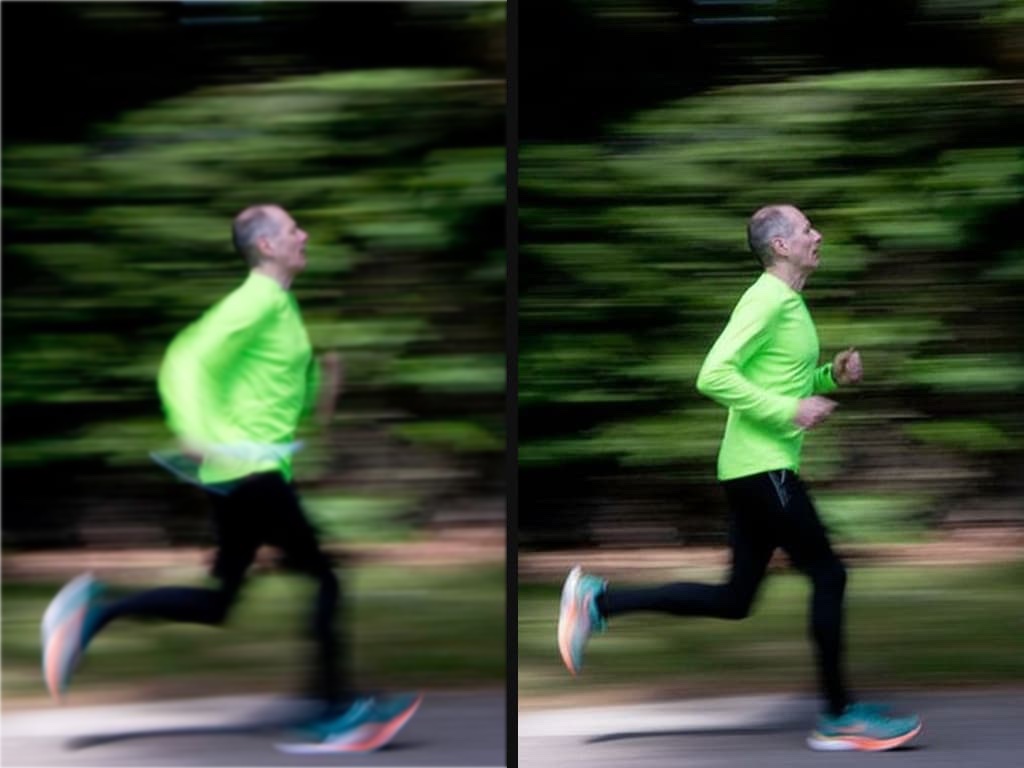
Portrait Photography
Fix blurry portraits and restore intricate facial details with ease. Perfect for rescuing those slightly out-of-focus headshots.
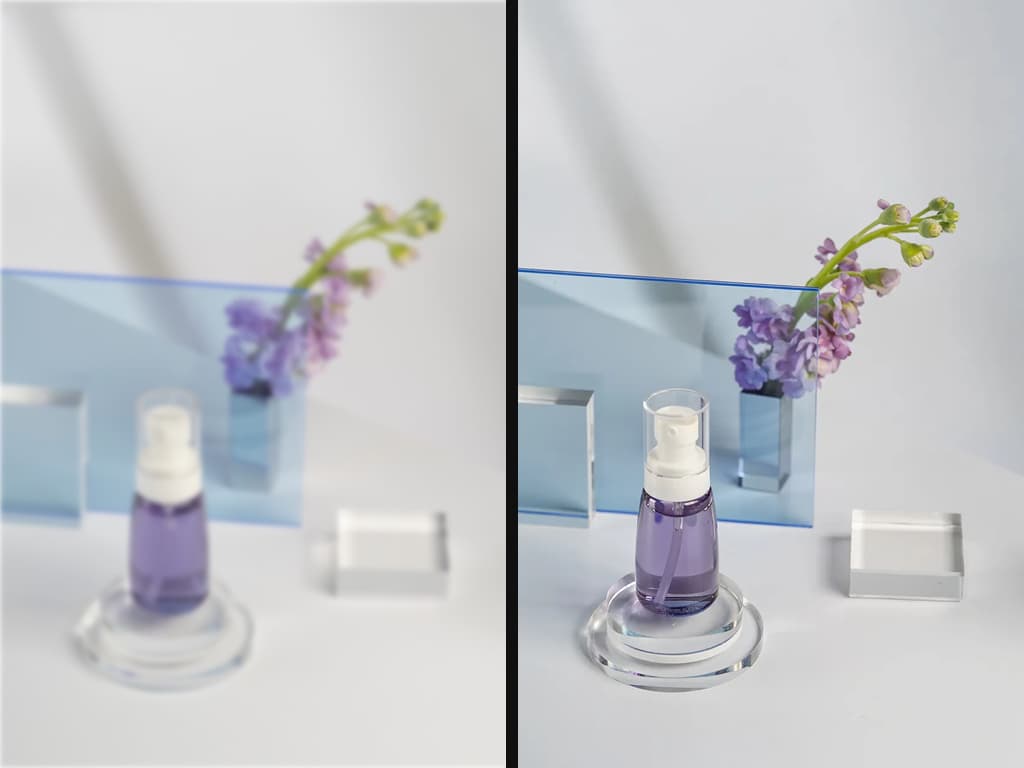
E-Commerce Product Shots
Unblur product images to boost your conversion rates. Highlight textures, labels, and fine details to make your listings stand out.
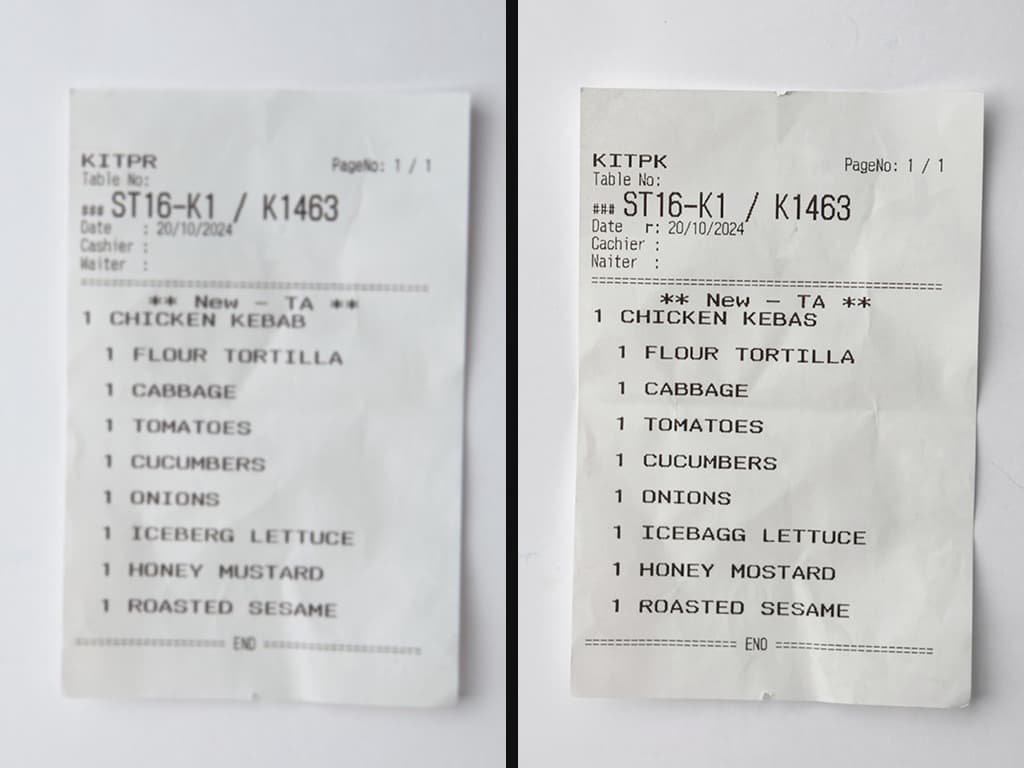
Documents & Receipts
Sharpen scanned documents and unblur text images for easier reading or OCR processing. Never lose important written information to camera shake.
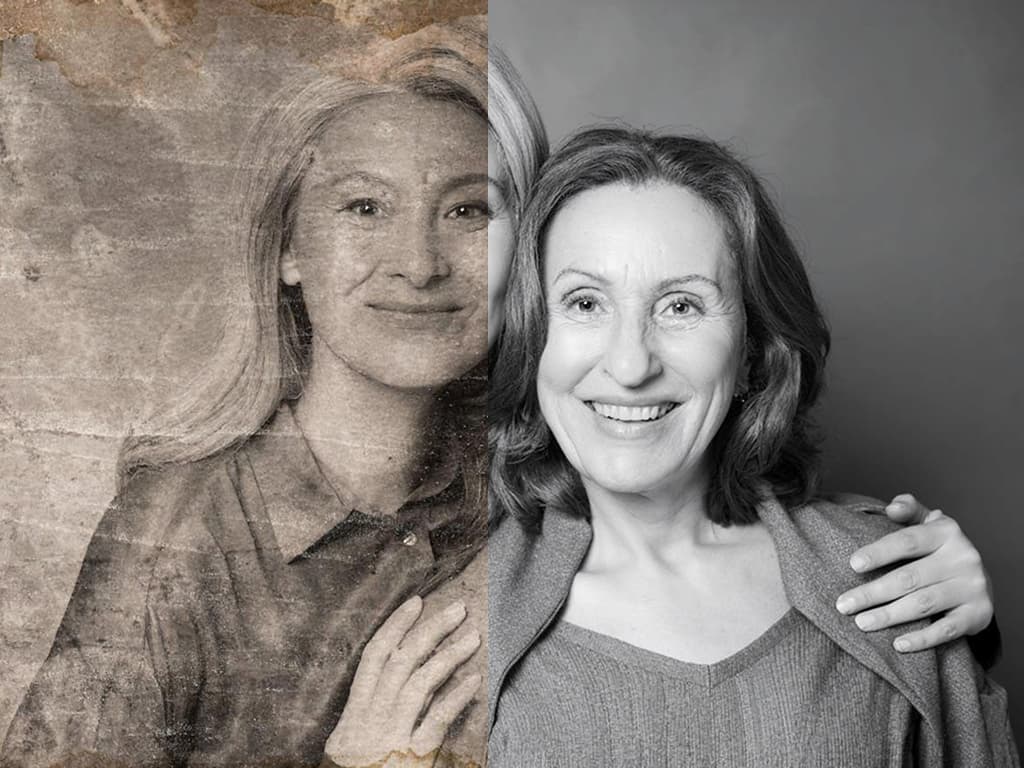
Vintage Photo Restoration
Restore old blurry photos and fix vintage pictures from your family archives. Remove the haze of time and bring memories back into sharp focus.
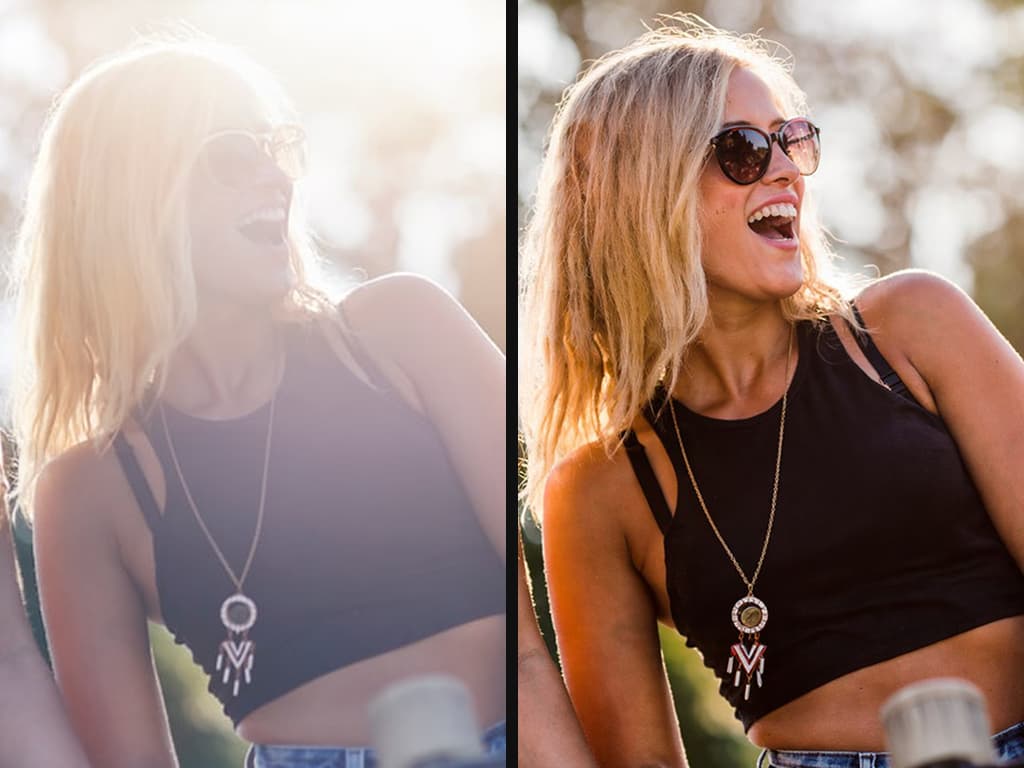
Social Media Content
Fix blurry Instagram photos or unblur screenshots instantly. Salvage your quick snaps and share high-quality visual content with your audience.
What is an AI Image Unblurrer?
Meet your ultimate photo sharpener. Discover how our technology goes beyond basic filters to restore clarity, crispness, and true-to-life details.
An AI Image Sharpener—often called an AI photo unblurrer—is a powerful tool designed to rescue blurry or out-of-focus images. Unlike traditional editors that simply add artificial contrast to edges (which can look grainy), an AI sharpener uses machine learning to truly understand your picture. It intelligently analyzes missing details and reconstructs pixels, instantly transforming a soft, unusable shot into a crisp, high-definition image.
The magic lies in deep learning neural networks. Trained on millions of image pairs, these AI models know exactly how different types of blur occur, whether from shaky hands, fast motion, or missed focus. When you upload a photo, the AI identifies the root cause of the distortion and reverses it. It goes beyond basic sharpening to actually recover fine details—like facial features, text, and textures—with astonishing realism.
Whether you are an e-commerce seller needing flawless product shots, a photographer salvaging a slightly soft capture, or someone restoring old family memories, this tool makes the process effortless. You do not need complex Photoshop skills or tedious manual adjustments. With a single click, you can unblur your pictures, dramatically enhance their clarity, and breathe new life into your favorite photos.
How to Unblur your Photo
Transform blurry photos into crystal-clear masterpieces in just 3 simple steps. Our AI-powered process is lightning-fast, incredibly intuitive, and puts you in complete control.

Upload Your Photo
Drag and drop your blurry image into our secure platform. We accept JPG, PNG, and WEBP formats to get you started instantly.

Our AI Deblur
With a simple prompt, our neural network then analyzes every pixel, reconstructs lost details, and restores clarity using deep learning trained on millions of images.

Download the Result
Get your razor-sharp, high-definition image in seconds. No watermarks, no quality loss—just stunning results ready to share anywhere.
Ready to See the Details You Missed?
Join thousands of users who trust our AI to recover lost textures and sharp edges. Your perfect photo is waiting underneath the blur.
Restore NowYour All-in-One AI Image Suite
Go beyond unblurring. Upscale, enhance, and restore your photos to absolute perfection with our professional-grade AI tools.
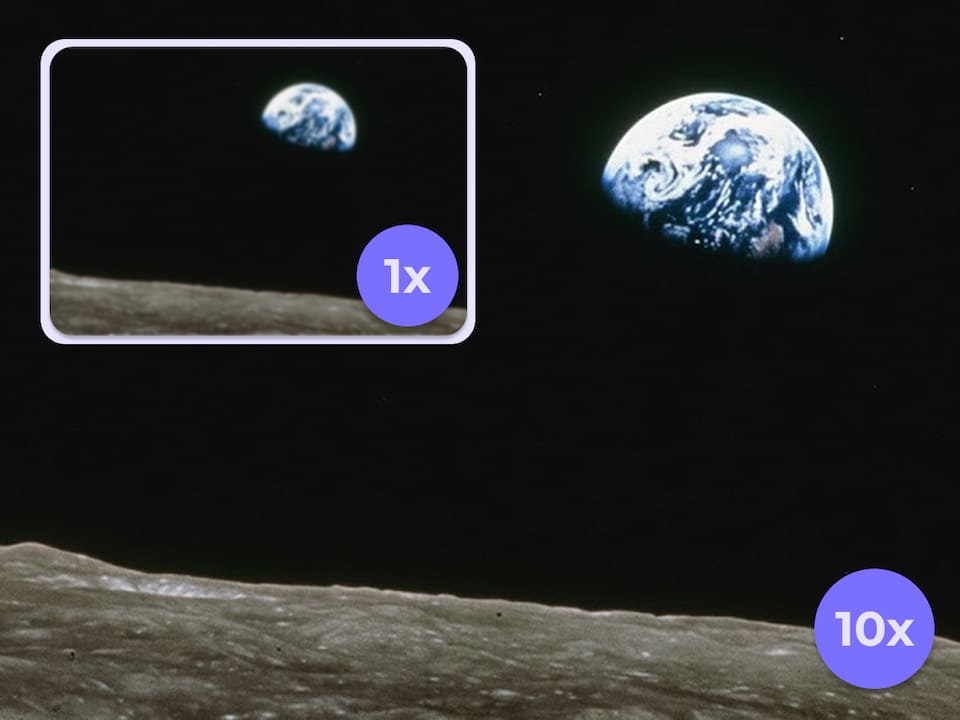
AI Image Upscaler
Break the resolution limit. Magically upscale your images up to 10x their original size—going way beyond 8K—while recovering lost, hyper-realistic details.
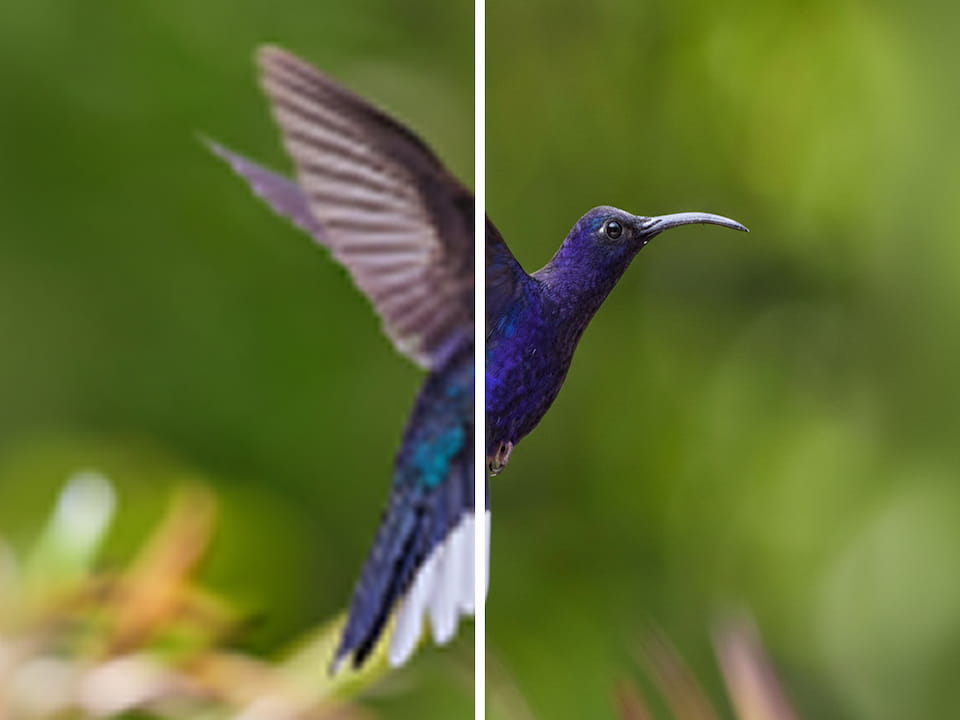
AI Image Enhancer
Not just an enhancer—it enlarges and clarifies simultaneously. Our ultra-smart AI breathes life into flat photos, transforming them into crisp, vibrant masterpieces in one click.
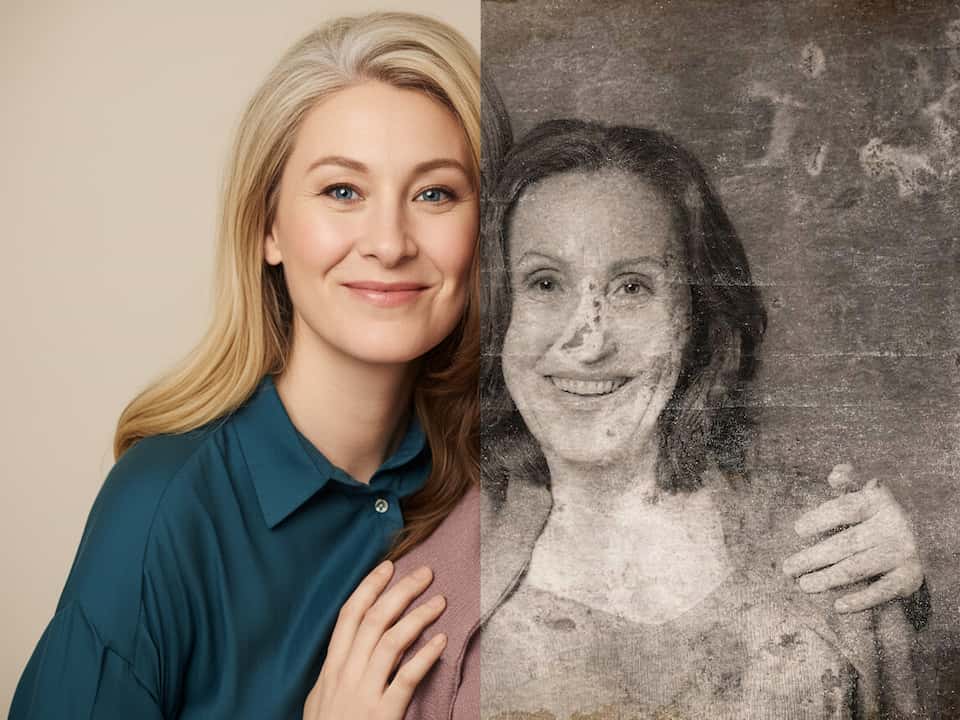
AI Photo Restorer
Rescue your precious memories from the ravages of time. Erase scratches, eliminate noise, and automatically colorize faded vintage photos with stunning accuracy.
Frequently Asked Questions
How is this different from the sharpening tool in Photoshop?
Traditional editing tools simply increase edge contrast, which often leaves your photos looking grainy, plasticky, and full of halos. Our AI uses generative reconstruction. It actually understands the context of the image and recreates the missing details, providing a natural, professional-grade result.
What types of blur can your AI fix?
Our deep-learning model is trained to handle almost all types of degradation. This includes motion blur from shaky hands, out-of-focus shots where the lens missed the subject, and pixelation or noise caused by low lighting and heavy social media compression.
How do the text prompts work for unblurring?
This is our unique superpower. Instead of adjusting complex sliders, you can simply tell the AI what to do using everyday language. For example, type "sharpen the text on the street sign" or "unblur the woman's face." The AI uses your prompt to apply targeted, highly accurate enhancements.
Can it fix completely unrecognizable or severely blurred photos?
While our AI is incredibly powerful at reconstructing heavily degraded images, it still needs some baseline data to work with. It works miracles on extreme blur, but if a photo is entirely a solid smear with zero detail, results may vary. We recommend trying it out—you'll be surprised by what it can salvage!
Are my uploaded photos private and secure?
Absolutely. Your privacy is our top priority. We use industry-standard encryption, and your uploaded files are automatically deleted from our servers after processing. We never use your personal photos to train our models without your explicit consent.
Do I need a powerful computer to use this tool?
Not at all. All the heavy AI processing is done on our high-performance cloud servers. You can use our tool smoothly from any device—Mac, Windows PC, or even your mobile phone—directly through your web browser.
What file formats do you support?
We currently support all standard web image formats, including JPG, PNG, and WEBP. Once your image is unblurred, you can download the high-resolution result instantly.
Is there a free trial to test the unblur tool?
Yes! We provide a basic, lower-capability AI model that is completely free to use—no free credits or tokens are required. However, you may experience a queue during peak times. To skip the line, unlock our most advanced, high-quality AI models, and receive a commercial license, we highly recommend upgrading to our Pro plan.